Playstore Link:

Pix Material You Light/Dark - Apps on Google Play
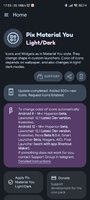
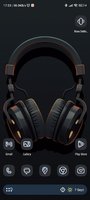
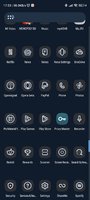
MaterialYou Themed Icons for Android 8+ and Widgets for Android 12+
Available in application:
- Adaptive icons.
- Themed Widgets.
- Exclusive thematic Wallpapers.
- For the package to work, you must first open the application to check the license.
How to use:
How do I change the colors of the icons?
After changing wallpaper / accent system, you need to reapply icon pack (or apply another icon pack, and then immediately this one).
How do I change to light / dark mode?
After changing device theme to light / dark, you need to reapply icon pack (or apply another icon pack, and then this one immediately).
Where can I find widgets?
On your home screen, long press and select "Widgets", Find "Pix Material You" in list. Typical way, like accessing regular device widgets.
Recommended use Launchers:
- Hyperion.
- Lawnchair.
- Nova Launcher.
- Niagara Launcher.
- Ruthless Launcher.
- ...
- In Pixel Launcher (stock launcher in Pixel devices) work with app Shortcut Maker.
- In Stock One UI Launcher use Theme Park to change color.
What's New:
- Fixed Date Glance Widgets.
- Fixed some icons.
*Special Features*
★★★ Patched ★★★
Modded Google play/LP not needed
Security check removed
Unwanted files/Folders removed
Optimized graphics/ zipalighned
Remove default .source name of java files;
Debug Info Removed
Original package signature changed;
Free Download:
! Hidden Content !
You must be registered and either click Like under this post or leave a comment before you can see the hidden links.
You may need to refresh the page after clicking Like. If you’re still having trouble revealing the hidden links, please
read this.
Did you know? VIP Members can see all links instantly, no unlocking required.
Interested? Get VIP here.
Interested? Get VIP here.