

Swipe back Navigation gestures - Apps on Google Play
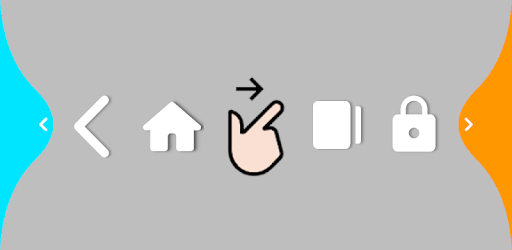
Elegant navigation gestures: swipe from edge, not need to add a back button to screen. Convenient large-screen operation, protect your fingers. Save hardware buttons and protect your equipment. Shortcuts ☆ Back button ☆ Home button ☆ Recent button ☆ Last app ☆ Lock screen ☆ Volume menu ☆ Power...
Elegant navigation gestures: swipe from edge, not need to add a back button to screen.
Convenient large-screen operation, protect your fingers.
Save hardware buttons and protect your equipment.
Shortcuts
☆ Back button
☆ Home button
☆ Recent button
☆ Last app
☆ Lock screen
☆ Volume menu
☆ Power menu
☆ Take screenshot
☆ Split screen
☆ Quick settings
☆ Open notification
☆ Auto rotation
☆ Flashlight
Left edge gestures(Right side is opposite)
☆ →
☆ ↗
☆ ↘
☆ ↗↑
☆ ↘↓
☆ →→
☆ →↗
☆ →↘
★ Quick start third-party apps
★ Custom theme colors
FAQ
1. App stopped automatically sometimes?
- Open [keep service], show a permanent notification in notification bar, to prevent killing by system.
2. Can not uninstall after adding [Lock screen]?
- Go to [About] page, click uninstall.
What's New
Support Italian.
*Special Features*
- Pro Features Unlocked
Free Download:
! Hidden Content !
You must be registered and either click Like under this post or leave a comment before you can see the hidden links.
You may need to refresh the page after clicking Like. If you’re still having trouble revealing the hidden links, please
read this.
Did you know? VIP Members can see all links instantly, no unlocking required.
Interested? Get VIP here.
Interested? Get VIP here.


