2. Open your game folder (where Game.exe or the www folder is)
3. Copy the www folder from the fix INTO your game folder and choose Overwrite / Replace All / Merge
On Android with ZArchiver: Open zip -> Long press www -> Copy -> Go to game folder -> Paste -> Apply to all -> Replace
4. VERY IMPORTANT - Clear JoiPlay cache (this is why it still fails for some):
Open JoiPlay -> Long press on the game card -> Delete (only removes from list, not files)
Tap Add Game and import the game folder again
Or: Settings -> Apps -> JoiPlay -> Storage -> Clear Cache
5. Launch from JoiPlay - error should be gone
Note: Delete old fixes Use ONLY
fix_v3_PERMANENT.zip
. Don't edit System.json manually.
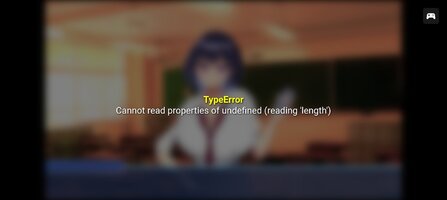
If you still have an error, send a screenshot of the exact message.
This section is not suitable for children and may contain adult content. If you are not over the age of 18 please leave this section.
This site uses cookies to help personalise content, tailor your experience and to keep you logged in if you register.
By continuing to use this site, you are consenting to our use of cookies.