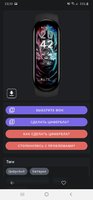
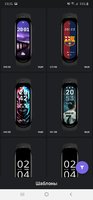
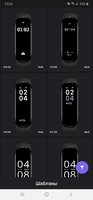
Playstore Link:
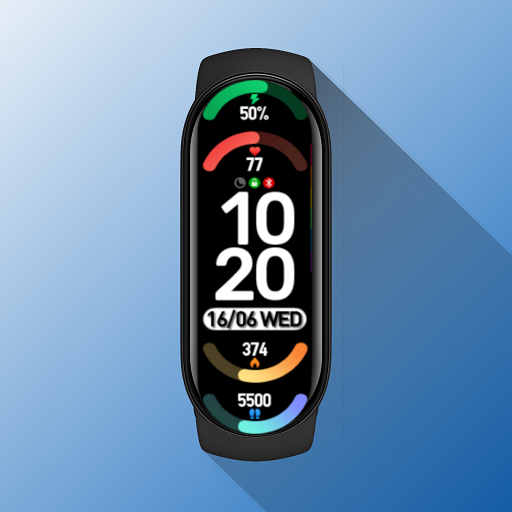
Mi Band 6 Watch Faces - Apps on Google Play
Install watchfaces with Zepp Life & Mi Fitness for Xiaomi Mi Band 6
Beautiful and aesthetically pleasing watchfaces for Xiaomi Mi Band 6 fitness band. Use Xiaomi Smart Band 6 Watch Faces to personalise your mi band 6.
Best collection of watch faces for Xiaomi MI Band 6 :
• Mark watch faces as Favourite.
• Install downloaded watch faces when offline.
• Supports all major languages.
• Sort watch faces by number of downloads, date of addition.
• You can also search and filter watch faces for mi band 6.
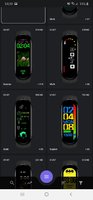
Xiaomi Smart Band 6 Watch Faces contains a splendid collection of unique and beautiful watch faces that you can download on your device!
The watch faces collection is frequently updated so you can find new watch faces every time you open Mi Band 6 Watch Faces.
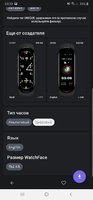
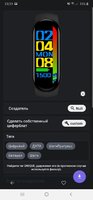
See individual watch face details like Animated/Non-Animated, Weather, Bluetooth, Pulse, Battery, DND, Distance, Date, Alarm, Calories, Steps.
You can even see whether watch face supports progress meter for steps/ heart rate!
Choose various watch faces like avengers, animated, anime, superheroes, cartoons, cricket and sports and much more!
Sort watch faces by number of downloads or date of addition!
Filter by languages.
Currently supported languages - English, Spanish, Chinese, French, Italian, Polish, Portuguese, Russian, German, Turkish and Multilingual.
Filter by Watch Face type -> Analog or Digital!
You can also filter on Animation, Battery, Calories, date, Distance, Pulse, Steps, Weather!
Install the downloaded watch faces on you Mi Band 6 even when you're offline!
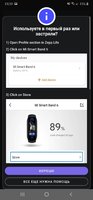
Steps to install watch face on your Mi Band 6:
_
What's New:
Removed known bugs.
Fixed UI.
*Special Features*
PREMIUM Unlocked
Ads removed
Analytics removed
Languages: 'en' 'be' 'de' 'es' 'fr' 'it' 'pl' 'pt' 'pt-BR' 'ru' 'uk'
Architectures: Universal
Free Download:
! Hidden Content !
You must be registered and either click Like under this post or leave a comment before you can see the hidden links.
You may need to refresh the page after clicking Like. If you’re still having trouble revealing the hidden links, please
read this.
Did you know? VIP Members can see all links instantly, no unlocking required.
Interested? Get VIP here.
Interested? Get VIP here.