Note:
SAVE LOAD KEYS
V= SAVE the game
L = LOAD the game
If you encounter an error, Just press the 3 dot
at the left top corner and turn on the Bypass
Error.
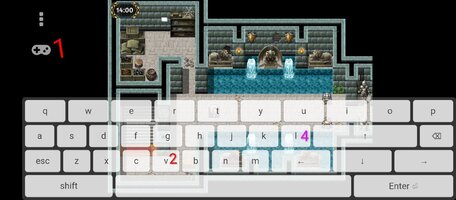
1. Touch joystick icon in the up-left corner until on-screen keyboard appear.
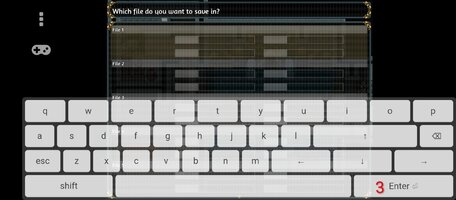
2. Touch V, and save page will show up, select slot (it may be appear empty everytime you try to save, but later in load page the game showing saved successfully)
3. Touch enter.
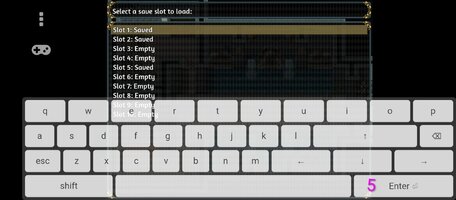
4. Touch L, in the load page, select saved slot you want to load.
This section is not suitable for children and may contain adult content. If you are not over the age of 18 please leave this section.
This site uses cookies to help personalise content, tailor your experience and to keep you logged in if you register.
By continuing to use this site, you are consenting to our use of cookies.