Playstore Link:

TextArt: Cool Text creator - Apps on Google Play
TextArt allows you to create incredible text effects, easily and share it!
USE
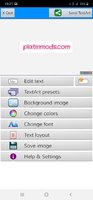
○ Step 1: Enter the text to send. Use the [Edit Text] button or just double-click the preview area.
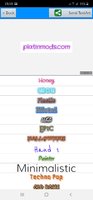
○ Step 2: Select the preset/design that you like.
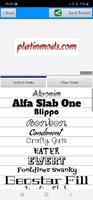
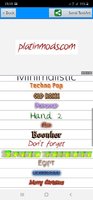
○ Step 3: Customize the design by changing the font from those available.
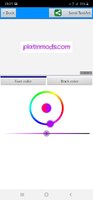
○ Step 4: Change the color of the new design (text and background).
○ Step 5: Set a cool background (built-in textures, solid color, or a custom image)
○ Step 6: Change other layout settings: margins, aspect ratio, alignment,...
At any time you can share with your contacts. It will be shared as an image picture.
NOTE: TextArt is sent as an optimized image (.jpg compressed or .png). Size in pixels of the resulting images is shown.
What's New
◉ Support for new Android devices.
◉ Increased resolution.
◉ Bugfixes.
*Special Features*
Premium feature unlocked
Adactivity Removed
Unwanted files removed
Debug Info Removed
Free Download:
! Hidden Content !
You must be registered and either click Like under this post or leave a comment before you can see the hidden links.
You may need to refresh the page after clicking Like. If you’re still having trouble revealing the hidden links, please
read this.
Did you know? VIP Members can see all links instantly, no unlocking required.
Interested? Get VIP here.
Interested? Get VIP here.
Last edited by a moderator: