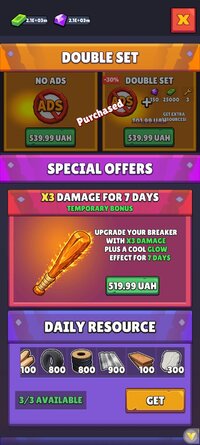
@Bedo13
Zone X v1.1.13 - Disable Forced Ads
1. Locate the save files in Android/data/com.zonex.escape.story/files/:
save_shared_snapshot_a.json
save_shared_snapshot_b.json
2. Back up both files.
3. Open both files in a text editor.
4. Find "Interstitial" in both files.
5. Change "IsBought":false to "IsBought":true in **BOTH** files.
6. Recalculate the MD5 of the second line in each file and update "H" in the first line.
7. Save both files and restart the game.
8. Python script to update MD5 automatically:
MD5 calculation: After editing both save files, use this Python script to automatically update their checksums. Install Python on PC or Pydroid 3 on Android, save the code as md5.py in the same folder as both JSON files, and run it:
import hashlib
import json
from pathlib import Path
files = ["save_shared_snapshot_a.json", "save_shared_snapshot_b.json"]
for filename in files:
file = Path(filename)
lines = file.read_bytes().splitlines()
header = json.loads(lines[0])
header["H"] = hashlib.md5(lines[1]).hexdigest()
updated_header = json.dumps(header, separators=(",", ":")).encode()
file.write_bytes(updated_header + b"\n" + lines[1])
print(filename, "MD5 updated")
Tested on Zone X v1.1.13 from Google Play
.