Here are the instructions I posted in the other thread. Let me know if you have any questions, but it should work for you without any problems:
1. Uninstall the current app (make sure to clear both data and cache first).
2. Download the mod from Platinmods.
3. Go to your device Settings, find the Play Store app, and clear its cache.
4. Open AppBrain, tap the download button (which redirects you to the Play Store), start the download, and cancel it once it reaches around 70%.
5. Install the mod apk you downloaded in step 2.
6. Open the modded app. If the NSFW version isn't showing up, go to the app settings, clear its cache and data, and reopen it. Repeat this step until the NSFW content becomes visible

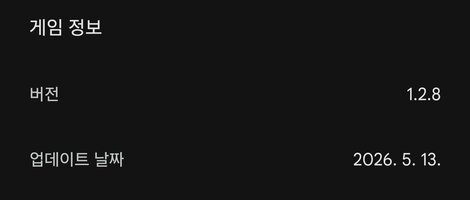






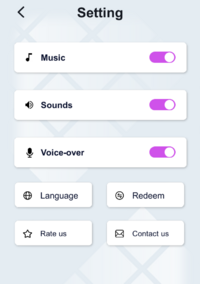



 very important improvement