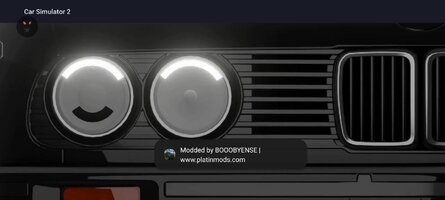
This is an error that occurs on some devices. For some, it can be fixed by clearing the game cache, force-stopping the game, and removing the floating window permission. Then, if you reopen the game and grant the permissions, it will work.
ok so i cleared cache, forced stop (in the same order) and couldnt find car sim 2 using floating window permission. i took off *picture in picture* permissions of all my apps even though car sim 2 didnt appear, then i removed the mod menu permission from car sim. i re opened the game, granted it again and the overlay showed up again. i guess it didnt work or i didnt search floating window instead of picture in picture. do you know how to help me with this?
I'm also experiencing the issue with the floating black bar. It didn't appear in previous updates, and I have the exact same device. Can you fix it with the new 1.59.2 update?
This site uses cookies to help personalise content, tailor your experience and to keep you logged in if you register.
By continuing to use this site, you are consenting to our use of cookies.