Open Request Strike Fighters

CombatAce

Platinian
1q5U5Ak_apjfWO3x-C6H-NyRPS44MqNnjNL9HX664g0Cg=s280.png


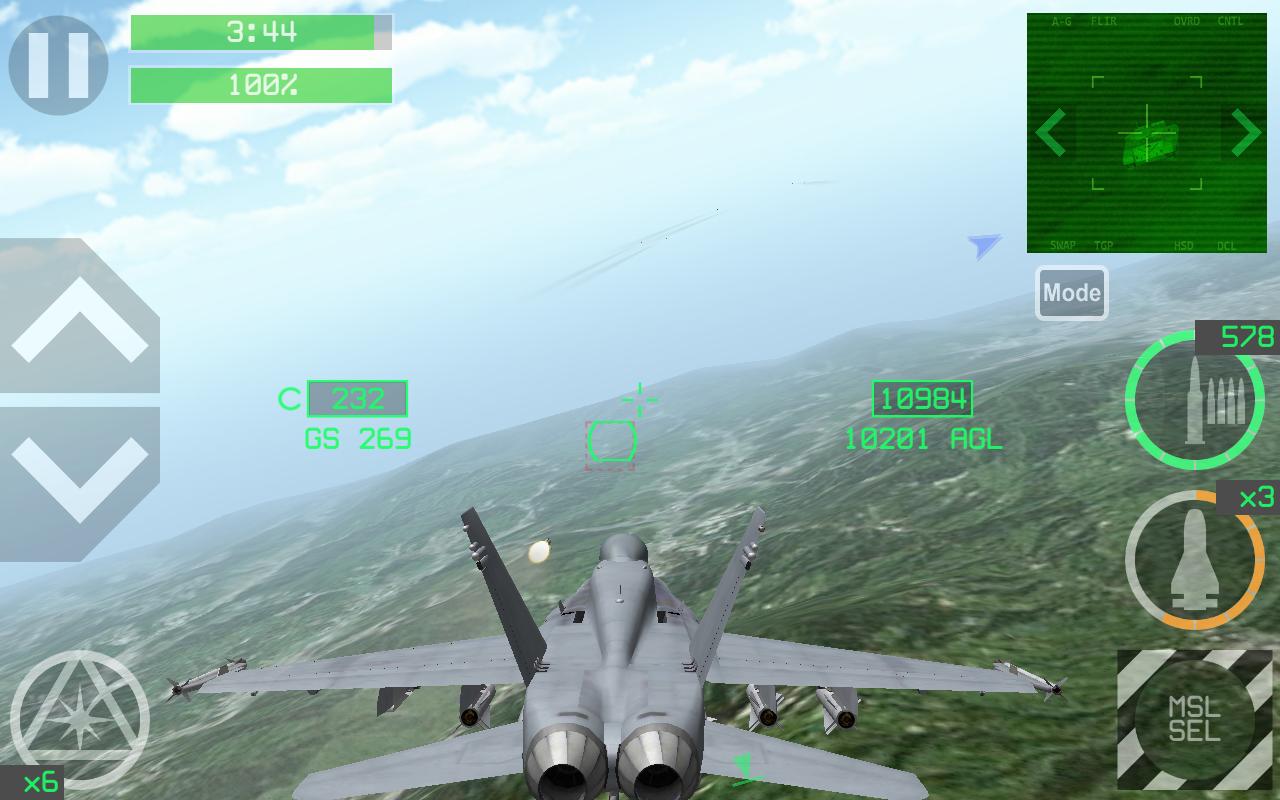
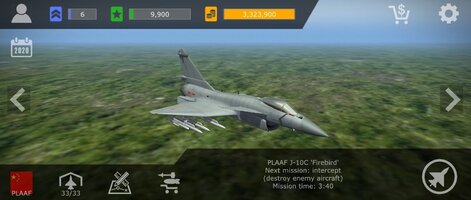
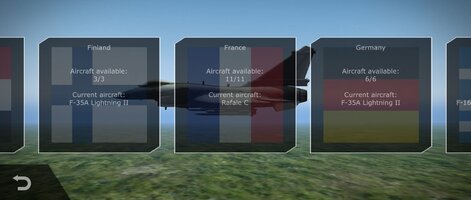
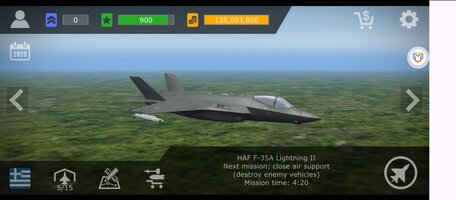
Game Name: Strike Fighters

Google Play Store Link:

APK Link:

Cheat Requested:
  • Unlock all in-game purchases
  • Max level, Credits
  • Unlimited Ammo
  • Unlimited Flares
Have you tried any cheat engines?:
No -> I don't have any modding experience
 
Last edited by a moderator:
Upvote 0
Can someone please update the game to the latest version 8.9.1 (Feb 1, 2026)?
Cheat Requested:
  • Free shopping (ability to make all in-game purchases for free)
 
tutorial please
Okay. Here's what I did:
  1. Install and open Lucky Patcher.
  2. Scroll through the installed apps list or use the search icon to find Strike Fighters. (make sure you have the game installed)
  3. Tap on Strike Fighters once you find it.
  4. Select the "Menu of Patches" option.
  5. Then tap on "Apk Rebuilt for InApp and LVL Emulation."
  6. Make sure the following options are checked:
    • "Support patch for LVL and InApp emulation"
    • "Support patch for InApp emulation (Reassembly Dex)"
  7. Tap the "Rebuild the App" button at the bottom.
  8. Wait for the Apk rebuilding process to complete.
  9. Once finished:
    • Uninstall your existing Strike Fighters game.
    • Install the newly rebuilt Apk using Lucky Patcher.
  10. Open the game and start playing.
  11. To buy items in the shop, just tap on what you want to buy, an "InApp purchases" pop-up will show up saying
    "Do you want to try and get this item for free?" here you need to select both of the options:
    • "Save purchase for restore"
    • "Auto-repeat purchases with the current settings"
  12. Tap "Yes" to confirm.
    Each time you buy an item, you'll need to select the 2 checkboxes and tap "Yes" in the pop-up menu. If auto-repeat purchases is on, you only need to tap once.
  13. If your mod works, you can delete the Apk you just created to save space. Tap the "Puzzle" icon called "Rebuild & Install" in the lower right. Go to the "LuckyPatcher" folder, then into the "Modified" folder. Inside, find a folder named something like "com.thirdwire.sfs_gp" or "Strike.Fighters." If you can’t delete the folder, delete the Apk inside it to save space. It’s safe to delete.
 

Attachments

  • Screenshot_2026-03-24-1_com.thirdwire.sfs_gp.jpg
    Screenshot_2026-03-24-1_com.thirdwire.sfs_gp.jpg
    125.7 KB · Views: 3
  • Screenshot_2026-03-24-2_com.thirdwire.sfs_gp.jpg.jpg
    Screenshot_2026-03-24-2_com.thirdwire.sfs_gp.jpg.jpg
    100.5 KB · Views: 3
Okay. Here's what I did:
  1. Install and open Lucky Patcher.
  2. Scroll through the installed apps list or use the search icon to find Strike Fighters. (make sure you have the game installed)
  3. Tap on Strike Fighters once you find it.
  4. Select the "Menu of Patches" option.
  5. Then tap on "Apk Rebuilt for InApp and LVL Emulation."
  6. Make sure the following options are checked:
    • "Support patch for LVL and InApp emulation"
    • "Support patch for InApp emulation (Reassembly Dex)"
  7. Tap the "Rebuild the App" button at the bottom.
  8. Wait for the Apk rebuilding process to complete.
  9. Once finished:
    • Uninstall your existing Strike Fighters game.
    • Install the newly rebuilt Apk using Lucky Patcher.
  10. Open the game and start playing.
  11. To buy items in the shop, just tap on what you want to buy, an "InApp purchases" pop-up will show up saying
    "Do you want to try and get this item for free?" here you need to select both of the options:
    • "Save purchase for restore"
    • "Auto-repeat purchases with the current settings"
  12. Tap "Yes" to confirm.
    Each time you buy an item, you'll need to select the 2 checkboxes and tap "Yes" in the pop-up menu. If auto-repeat purchases is on, you only need to tap once.
  13. If your mod works, you can delete the Apk you just created to save space. Tap the "Puzzle" icon called "Rebuild & Install" in the lower right. Go to the "LuckyPatcher" folder, then into the "Modified" folder. Inside, find a folder named something like "com.thirdwire.sfs_gp" or "Strike.Fighters." If you can’t delete the folder, delete the Apk inside it to save space. It’s safe to delete.
Thanks you 🙂🙂🙂
 

Attachments

  • Screenshot_20260328-185601_1.jpg
    Screenshot_20260328-185601_1.jpg
    397.2 KB · Views: 1

Similar threads

Back
Top Bottom